




What Does an Online Gun Store Need Before the First Order? A Launch Checklist
What does an online gun store need in place before the first order? A starting launch checklist covering licenses, SOT, payments, platform, product rules, checkout, carriers, state law, records, and excise tax, with links to each step.
Giancarlo Byrne
11/20/2026
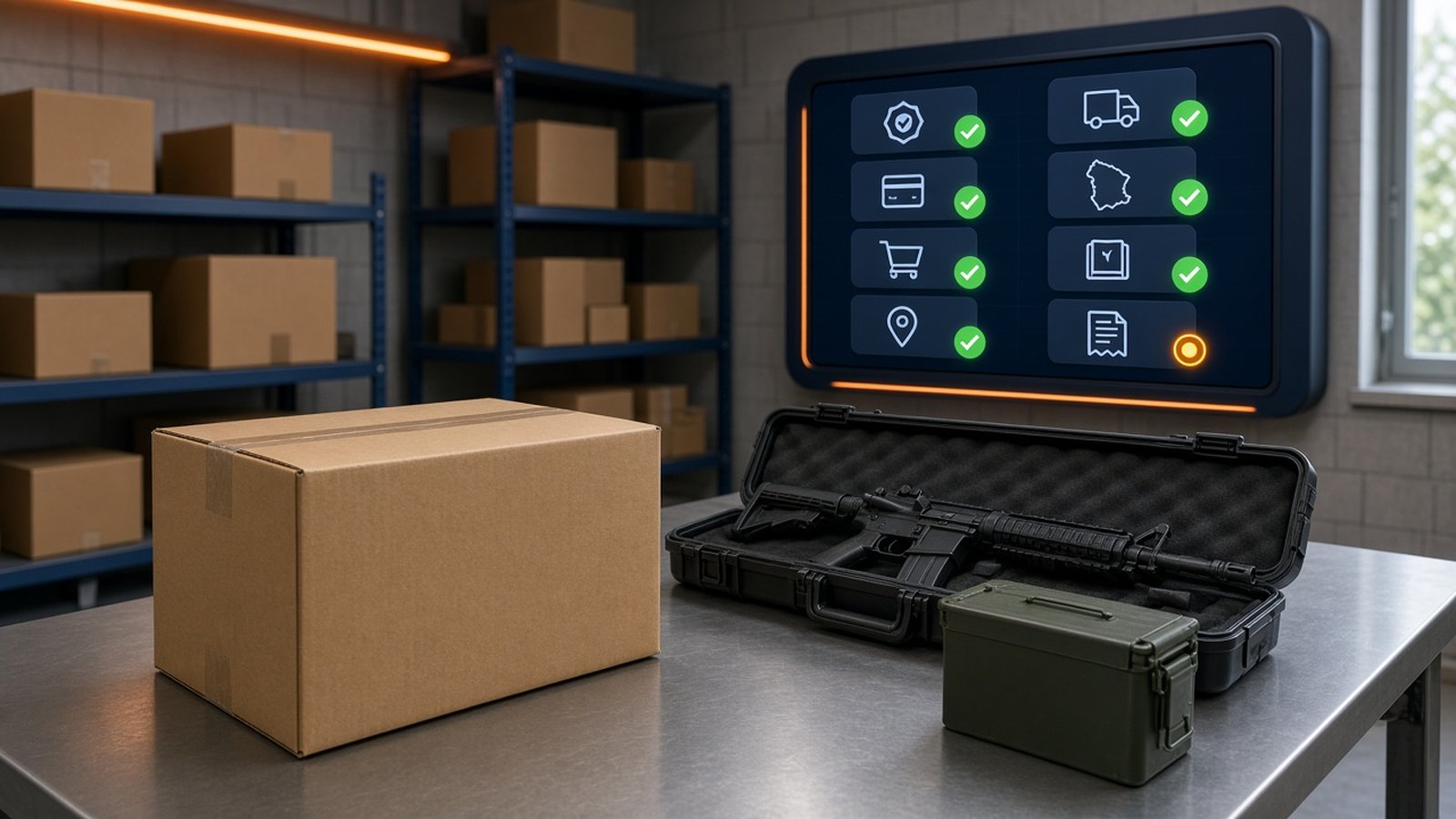
What does an online gun store need in place before the first order? More than a product catalog and a payment button. Before a firearm or a box of ammo sells, you want the license, the payment approval, the checkout routing, the carrier agreements, and the recordkeeping already working, because each one is hard to fix after orders start coming in. This post is a starting checklist, one line per step, with a link to the post in our series that covers each step in detail.
This is the fourteenth and last post in our getting-started series on selling firearms and ammo online. It’s general education, not legal advice, and it isn’t a complete compliance checklist. Your state, your city, and your business model will add items. Confirm your plan with ATF, your state, and a firearms attorney before you launch.
Phase 1: License and permissions
1. Know which license you need. If you’ll be in the business of dealing in firearms, federal law requires an FFL before you start. Ammo-only stores are treated differently under federal law, but state rules can still apply. Start with Do I need an FFL to sell guns or ammo online?
2. Get the license issued, with state and local law sorted out. The application is ATF Form 7. When you apply, you certify under 18 U.S.C. 923(d)(1)(F) that your business won’t violate state or local law, which is where zoning and home-business rules come in. ATF says it processes applications in about 60 days from a properly completed application. See How do I get an FFL to sell firearms online?
3. Pay SOT if you’ll deal NFA items. If you’ll import, manufacture, or deal in suppressors, short-barreled rifles, or other NFA firearms, federal rules still require a special occupational tax. 2026 brought real changes to NFA transfers, and some of them rest on ATF guidance and court cases that can move. Read Do I need an SOT to sell suppressors and SBRs online? and recheck the current status before you list NFA items.
Phase 2: Business model and money
4. Pick how you’ll fulfill orders. Stocking inventory, drop-shipping from a distributor, and doing transfers each change your cash needs, your shipping speed, and your paperwork. None of them removes the need for a license or the records that come with it. See inventory vs. drop-ship vs. transfers.
5. Get payment approval in writing. PayPal and Square bar firearms and ammunition. Stripe treats legal firearms as a restricted category that needs its sales team’s sign-off, and WooPayments prohibits them. Most stores end up with a merchant account from a processor that has agreed in writing to underwrite their business, covering every category they sell. See which payment processors allow firearm and ammo sales.
Phase 3: Store build and checkout
6. Choose a platform you can maintain. With Automatic FFL, you can sell firearms and ammo on BigCommerce, WooCommerce, and Adobe Commerce / Magento. On Shopify, our app covers ammunition only. See which ecommerce platforms can sell firearms and ammo and the checkout comparison for each platform.
7. Classify every product. Tag each SKU as one of these: needs an FFL, ammo, restricted in some states, or limited by carrier rules. Decide now whether a mixed cart gets split or ships entirely to the dealer. See which products need an FFL and which can ship to the door.
8. Route FFL items to a receiving dealer at checkout. The buyer should pick a licensed dealer during checkout, and that dealer should become the ship-to address for the FFL items. Before anything ships, verify the receiving dealer with a certified copy of its license, as 27 CFR 478.94 requires. ATF’s eZ Check is a useful status check, but it doesn’t replace the certified copy. See how FFL dealer selection works at checkout. If you have a BigCommerce storefront and a physical location, also read our post on in-store pickup.
9. Run test orders. Place a firearm-only order, an ammo-only order, a mixed cart, and an order to a state you restrict. Check that each one lands where it should and that your team can see the dealer details on the order.
Phase 4: Fulfillment
10. Sign your carrier agreements before launch. USPS takes long guns but limits handguns to licensee-to-licensee trade shipments. UPS and FedEx both require an approved agreement before you ship a single firearm. See how to ship a firearm with USPS, UPS, or FedEx.
11. Set up ammo shipping separately. USPS won’t carry ammunition. UPS takes it by Ground under its limited-quantity rules, and FedEx only under its dangerous goods rules. See how to ship ammunition legally.
12. Review state rules with counsel. Federal law is the floor. Some states, including California, New York, and Massachusetts, effectively rule out shipping ammo to the buyer’s door, and several states put extra rules on the receiving dealer. Decide which states you’ll ship which products to, and set those rules in your store. Start with our state restrictions hub.
Phase 5: Operations
13. Set up your records before the first gun arrives. That means the acquisition and disposition (A&D) record for every firearm you receive and send out, Form 4473 for transfers to non-licensees, and a plan to keep them until your business or licensed activity ends. Also note that a DOJ rule lets FFLs voluntarily use NICS for “firearm handler” checks of certain employees starting November 27, 2026 (FR 2026-21920). It’s optional, not a mandate. See what records an online FFL has to keep.
14. Confirm your excise tax status. The federal firearms and ammunition excise tax falls on the manufacturer, producer, or importer. If your store assembles guns, sells kits, reloads ammo, or imports, ask TTB whether that makes you a manufacturer. State excise taxes, like Colorado’s, can apply to online sellers too. See do online gun stores pay FET?
15. Write a policy for transfers that fall through. Decide ahead of time what happens when a dealer refuses the transfer, stops answering, or has an expired license: hold the firearm, help the buyer pick another dealer, or cancel under your stated terms. Shipping to the buyer’s home isn’t an option for an interstate sale. See what to do when a buyer’s FFL won’t accept the transfer.
A short version you can print
- License issued, state and local requirements handled
- SOT paid, if you deal NFA items
- Fulfillment model chosen
- Payment approval in writing for every category
- Platform chosen and someone assigned to maintain it
- Every product classified
- Checkout routes FFL items to a dealer; certified copy process in place
- Test orders passed
- Firearm and ammo carrier agreements signed
- State shipping rules reviewed with counsel and set in the store
- A&D record and 4473 process ready
- Excise tax status confirmed
- Refused-transfer policy written and posted
Not every item takes the same amount of time. The license and the payment approval usually take the longest, so start them first and build the store while you wait.
Where Automatic FFL fits
Automatic FFL covers one item on this list: dealer selection at checkout. Buyers pick a licensed dealer from a map and list inside checkout, and the dealer’s license details are added to the order so your team can check them before shipping. It isn’t a bound book, a 4473 system, a background check, or a tax engine, and it doesn’t decide which states or products your rules apply to. Those stay with you, your providers, and your attorney.
Try it on your store
Look up a transfer dealer for free. Create a free Automatic FFL account to search FFL dealers by license number, name, city, state, or ZIP, open each dealer’s ATF eZ Check record, and see which dealers have certificate data on file. Start with the FFL database. The database is not legal advice and does not replace your own compliance review.
Try Automatic FFL free for 30 days. Add FFL dealer selection to your BigCommerce, WooCommerce, or Adobe Commerce / Magento checkout (Shopify: ammunition only). You’re not charged until the trial ends, and you can cancel before then. Plans start at $99 per site per month after the trial (pricing).
- Start your BigCommerce trial
- Start your WooCommerce trial
- Start your Adobe Commerce / Magento trial
- Start your Shopify ammo trial
Sources: 18 U.S.C. 923; 27 CFR 478.94; Federal Register 2026-21920; ATF Apply for a License. Detailed sources for each step are listed in the linked series posts.