




How Does FFL Dealer Selection Work at Checkout?
How does FFL dealer selection work at checkout? What the buyer sees, what the store controls, what data lands on the order, and what the seller still has to check before a firearm ships.
Giancarlo Byrne
11/12/2026
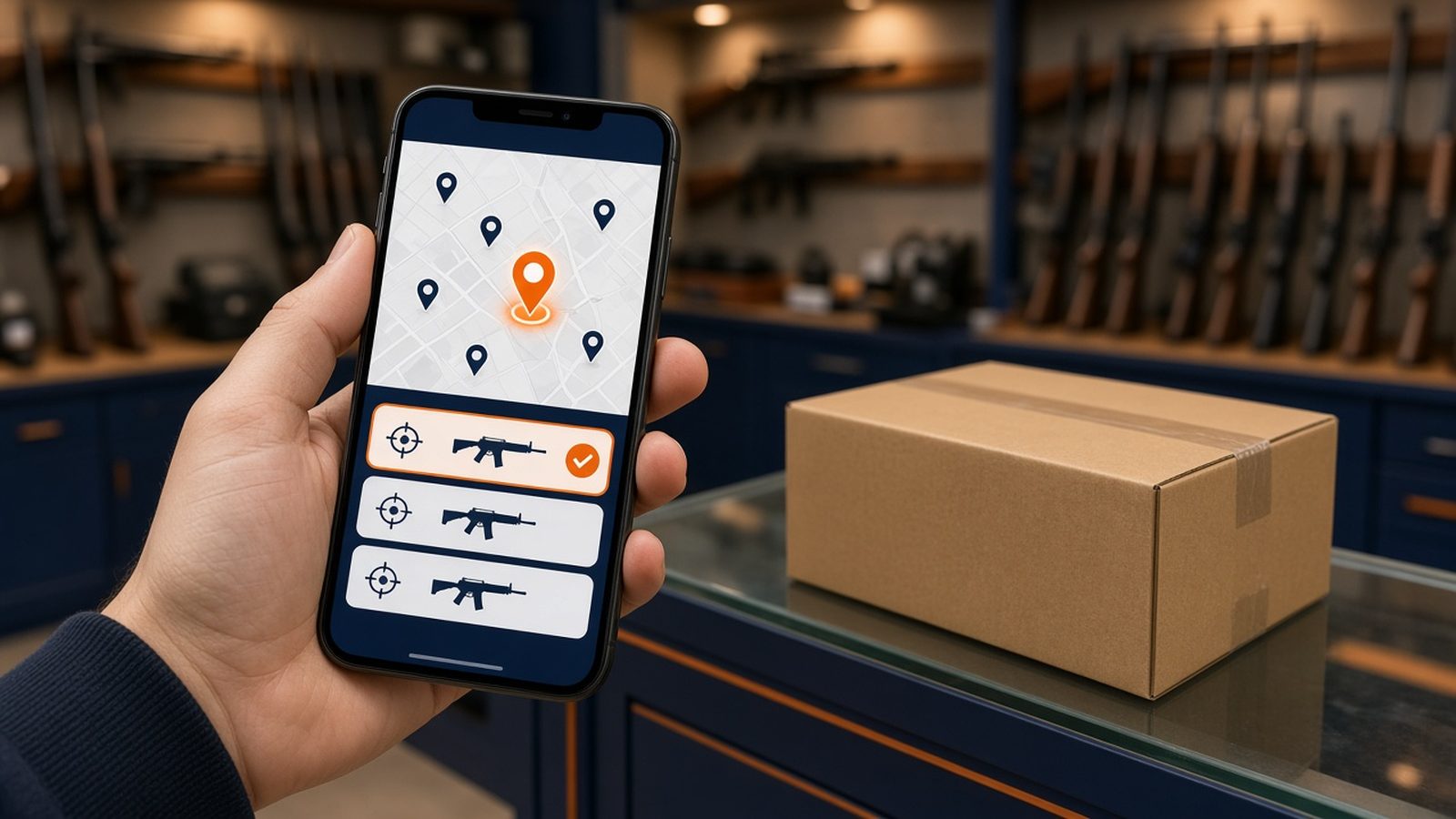
How does FFL dealer selection work at checkout? When a buyer orders a firearm from an online store, checkout has to collect one extra thing a normal store never asks for: the licensed dealer who will receive the gun. With Automatic FFL, the buyer picks that dealer from a map and list inside checkout, the dealer becomes the shipping destination for the FFL-required items, and the dealer’s license details are added to the order so your team can check them before anything ships. This post walks through each step from the buyer’s side and from yours.
This is the eighth post in our getting-started series on selling firearms and ammo online. Earlier posts covered whether you need an FFL, inventory vs. drop-ship vs. transfers, and which ecommerce platforms can sell firearms and ammo. It is general education, not legal advice.
Why checkout needs a dealer step at all
Federal law shapes this step. A licensee may not ship firearms in interstate commerce to anyone who isn’t licensed, with narrow exceptions such as returning a firearm to the person who sent it (18 U.S.C. 922(a)(2)). And a dealer may sell to a non-licensee who “does not appear in person” only if that buyer lives in the dealer’s own state (27 CFR 478.96(b)).
So for a typical online firearm sale, the gun ships to a licensed dealer near the buyer. That dealer completes the Form 4473 and the background check before handing it over (27 CFR 478.124(a)). The Fifth Circuit’s recent interstate handgun ruling didn’t change 922(a)(2) or 478.96(b), so don’t read it as permission to ship to a buyer’s door. Our post on that ruling has the details.
The dealer step exists to capture that receiving licensee cleanly, at the moment the buyer is ready to pay.
What the buyer sees
Here is the flow with Automatic FFL on BigCommerce, WooCommerce, and Adobe Commerce / Magento. On Shopify our app is for ammunition only, so the dealer step there applies to ammo orders that need an FFL.
- The buyer reaches the shipping step with an FFL-required product in the cart.
- A dealer map and list appear inside checkout. The buyer searches near their location and sees the licensed dealers your store has enabled.
- Listings carry the details you maintain. If you have added transfer fees and store hours, buyers see them. Preferred dealers stand out on the map and sit at the top of the list. Dealers with a certificate on file in the Automatic FFL network show a green icon and appear higher in results. Dealers operating from a home carry a Residential label.
- The buyer picks a dealer. That dealer becomes the ship-to address for the FFL-required items.
- Everything else in the cart follows your platform’s mixed-cart behavior (more on that below).
One practical tip: tell buyers to call their chosen dealer before the order ships to confirm it will accept the transfer and what it charges. A dealer’s license being active says nothing about whether it takes transfers from online sellers.
What you control as the merchant
The map isn’t a raw dump of every license. You decide what buyers see.
- Enable and Prefer. Enabling a dealer puts it on your map. Preferring it makes it stand out and moves it to the top of the list. You can filter, use bulk updates, or export, edit, and import a file to change Enabled, Preferred, fees, and store hours in bulk.
- Fees and hours. Click a dealer’s name to edit its transfer fee and store hours. These are numbers you maintain, so keep them current.
- Hide residential FFLs. One switch in FFL Dealer Management removes known residential dealers from the customer-facing map. It controls map visibility only. Our residential dealers post covers it.
- Map message. Add your own note to the map, such as “Call your dealer before ordering.”
- BigCommerce extras. A Bypass option lets buyers skip dealer selection and send you their FFL’s certificate and information directly. You can also set a custom shipping recipient, either a fixed name like “FFL Receiving” or each dealer’s business name, on dealer-bound shipments.
What lands on the order
After checkout, the selected dealer’s details are attached to FFL-required orders:
- FFL license number
- FFL expiration date
- ATF eZ Check link
- FFL certificate link, if one is available
On BigCommerce, turn on Include FFL Info in Order Comments to add this. WooCommerce adds it to the order note automatically. Shopify adds it to the order note and Automatic FFL order metafields. Automatic FFL only includes a certificate on an order if it is valid and hasn’t expired. If you use Flxpoint or Spark Shipping, a store setting passes the same fields to those tools.
How mixed carts are handled
When a buyer adds a firearm and a holster in one cart, each platform splits the order differently:
- BigCommerce: one order and one payment, with FFL items going to the dealer and eligible regular items shipping home. You can also send everything to the dealer.
- WooCommerce: Save For Later groups the cart so the buyer completes the FFL shipment first, then checks out the items shipping home.
- Adobe Commerce / Magento: multiple-address checkout sends FFL items to the dealer and eligible regular items to the customer, as separate orders per destination.
Our mixed carts post explains which products need an FFL in the first place.
What dealer selection does not do
This is where new sellers get tripped up. Picking a dealer at checkout records the buyer’s choice. It doesn’t finish your job.
- It doesn’t verify the dealer for you. Before you ship, 27 CFR 478.94 requires you to verify the receiving licensee through a certified copy of its license (eCFR). ATF’s eZ Check is a useful status check, but it doesn’t replace the certified copy. See how to verify an FFL before you ship.
- It doesn’t guarantee the dealer will accept the transfer. If a dealer says no, or the license has expired, follow the steps in what to do when a buyer’s FFL won’t accept the transfer.
- It doesn’t handle the 4473, NICS, or your records. The receiving dealer runs the transfer. Your own acquisition and disposition records stay your responsibility.
A shipping-day routine that works
- Open the order and read the dealer’s license number and expiration date.
- Click the eZ Check link to confirm the license shows as active.
- Confirm you have a current certified copy of the license on file. Use the certificate link if one is attached, or get one from the dealer.
- Confirm the dealer agreed to take the transfer.
- Print the label to the dealer’s licensed premises.
Local buyers: in-store pickup
If you have a counter and a buyer lives nearby, BigCommerce stores can also offer in-store pickup using native BigCommerce Locations and Pickup methods. Our in-store pickup post explains the setup.
Before launch, place test orders with a firearm alone, a firearm plus accessories, and an accessory alone, and check that the dealer details show up where your shipping team works. For questions about your own store’s obligations, talk with a firearms attorney.
Try it on your store
Look up a transfer dealer for free. Create a free Automatic FFL account to search FFL dealers by license number, name, city, state, or ZIP, open each dealer’s ATF eZ Check record, and see which dealers have certificate data on file. Start with the FFL database. The database is not legal advice and does not replace your own compliance review.
Try Automatic FFL free for 30 days. Add FFL dealer selection to your BigCommerce, WooCommerce, or Adobe Commerce / Magento checkout (Shopify: ammunition only). You’re not charged until the trial ends, and you can cancel before then. Plans start at $99 per site per month after the trial (pricing).
- Start your BigCommerce trial
- Start your WooCommerce trial
- Start your Adobe Commerce / Magento trial
- Start your Shopify ammo trial
Sources: 18 U.S.C. 922; eCFR 27 CFR 478.94, 478.96, and 478.124; ATF FFL eZ Check; Automatic FFL documentation, BigCommerce, WooCommerce, and Magento pages.