




Which Products Need an FFL, and Which Can Ship to the Buyer's Door? A Mixed-Cart Guide for Online Gun Stores
A buyer puts a rifle, a scope, and a box of ammo in one cart. Which items must go to an FFL and which can ship home? Here’s how to sort products and how mixed carts work on each platform.
Giancarlo Byrne
10/28/2026
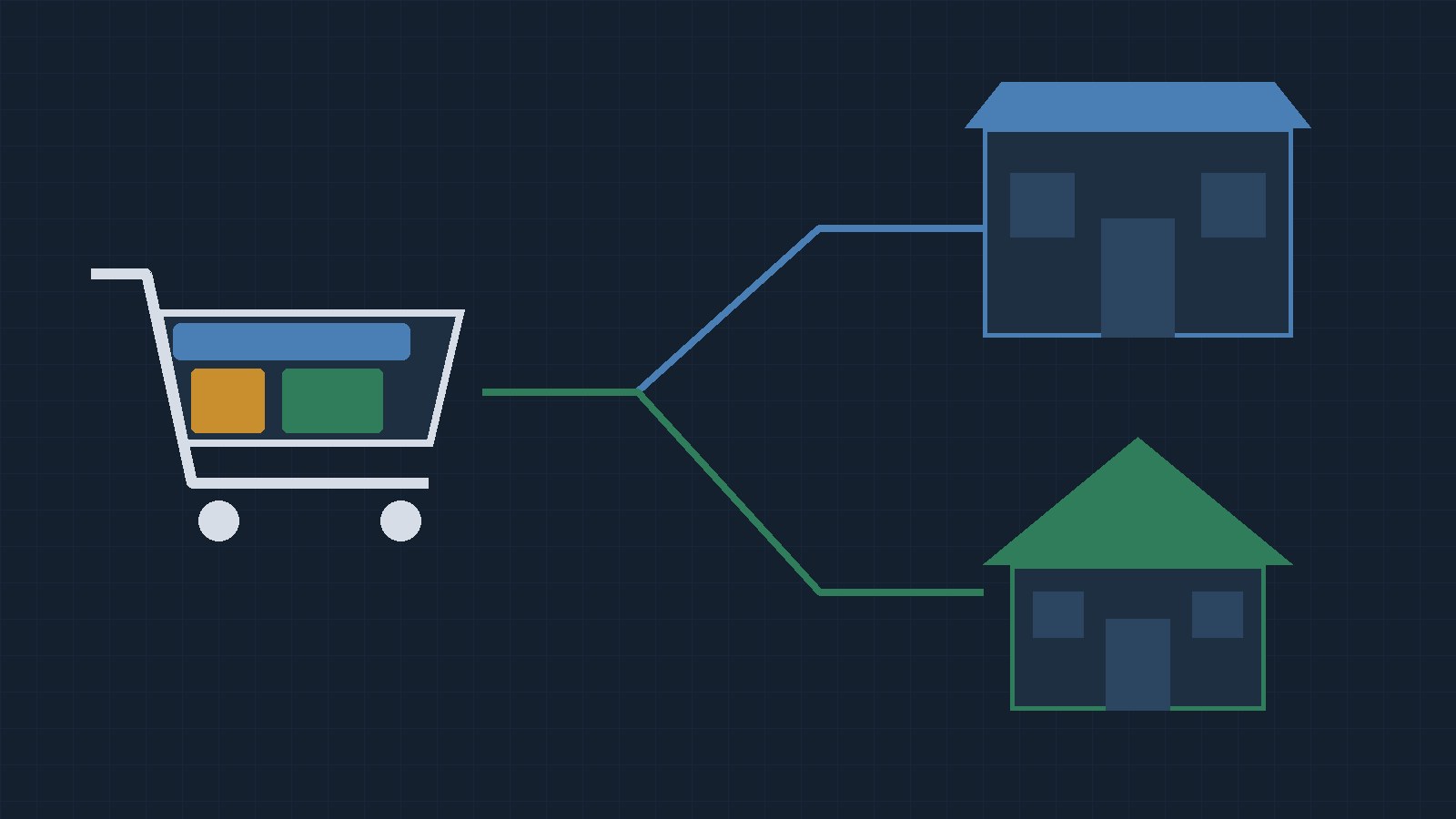
When a buyer puts a rifle, a scope, a spare magazine, and a box of ammo in the same cart, which products need to go to an FFL, and which can ship to the buyer’s door? The short answer: the firearm goes to a licensed dealer, ammo depends on the destination state and your own policy, and most accessories can ship home, with some important exceptions. Then you have a second decision as a store owner: split the order, or send everything to the dealer. This post walks through both. It’s general information, not legal advice. Confirm the details for your store with ATF, your state, and a firearms attorney.
If you’ve read our earlier post, Mixed FFL Carts: How Shipping Works on BigCommerce and WooCommerce, this one builds on it. It adds the product-sorting question, Adobe Commerce / Magento, and Shopify, and it skips the customer-messaging examples that post already covers.
Step 1: Sort your catalog into three groups
It helps to think about every product in one of three groups. This is a working framework, not an ATF category list.
1. Always goes to an FFL. Federal law defines “firearm” to include “the frame or receiver of any such weapon” and “any firearm muffler or firearm silencer” (18 U.S.C. 921(a)(3)). A licensee can ship a firearm interstate only to another licensee (18 U.S.C. 922(a)(2)). So complete guns, frames, receivers, and suppressors belong in this group. Don’t treat a stripped receiver like an accessory just because it doesn’t look like a gun.
2. Depends on where it’s going. Ammunition is the big one. Some states route retail ammo through an in-state business. California requires ammo sales to be “conducted by or processed through a licensed ammunition vendor” (Penal Code 30312), and New York has its own seller and check rules (Penal Law 400.03). We covered both in Shipping Ammo to California and New York. Some parts land here too. California, for example, sends firearm barrel sales through a licensed dealer (Penal Code 33700 and following), and its Penal Code 32310 makes it a crime to import or offer for sale a “large-capacity magazine.” Check the current status of any state law like that with counsel before you set your rules.
3. Can usually ship to the buyer. Cleaning kits, cases, slings, holsters, optics, targets, and apparel. No federal rule we know of requires these to go to an FFL. Whether they ship home or ride along with the gun is your call.
Step 2: Check your carriers, not just the law
Federal law isn’t the only filter. Carriers set their own rules, and they can be stricter.
- UPS treats “Firearm Products” as firearms and firearm parts, including barrels, stocks, grips, firing pins, sights, and magazines (scopes are excluded). It accepts them only under a contract and only from licensees, and it won’t ship parts that “can be assembled to form a full Firearm.” See the UPS firearms page.
- USPS says handgun parts are mailable “except for handgun frames, receivers, or components regulated under 18 U.S.C. Chapter 44.” See Publication 52, section 432.
- FedEx tells shippers to remove all ammunition from a firearm package. See How to ship firearms.
So a magazine may be fine to sell to a home address but still need a specific carrier service. Your product flags decide where an item goes at checkout. Your carrier account decides how it physically ships.
One caution: a shipping flag only controls the checkout workflow. It doesn’t make a sale legal. Classify products on purpose, and have someone review the edge cases.
Step 3: Decide to split the order or send everything to the FFL
Once products are sorted, a mixed cart has two possible outcomes:
- Split: the firearm goes to the dealer and the accessories go home.
- Everything to the FFL: the whole order goes to the dealer.
Splitting is often more convenient for the buyer, who gets the holster at home without waiting on a transfer. Sending everything to the dealer means one shipment and one destination, but the dealer handles items they didn’t need to. Some dealers may charge for that or not want it, so ask the dealers your customers use most. Neither choice is required by federal law. We don’t have data showing one converts better, so test both on your own store if you can.
How mixed carts work on each platform
Here’s how Automatic FFL handles a mixed cart on each platform it supports. Products are marked by category or flag: the ffl_type custom field on BigCommerce, the “FFL Required” option on WooCommerce, and the “FFL Required” attribute on Magento, where category settings take priority.
BigCommerce. FFL-required products go to the selected dealer and eligible standard products ship home “in one checkout, one order, and one payment,” using shipping consignments. A “Ship Non-gun items to FFL” option sends everything to the dealer instead. BigCommerce also has an option to have ammo always ship to the FFL when a firearm is in the cart. When that’s off, ammo follows your state ammo rules.
WooCommerce. WooCommerce doesn’t natively ship one order to two places, so Automatic FFL uses Save For Later. The cart is split into groups. The buyer checks out one group, then gets the other as a follow-on checkout. That’s two checkouts and two payments, and either group can go first.
Adobe Commerce / Magento. Magento’s multiple-address checkout lets the firearm go to the dealer and other products go to the buyer. It creates a separate order for each destination, and the FFL details appear on the order going to the dealer. Shoppers must sign in or create an account to use this checkout, so guest buyers with mixed carts need that step. Ammo that requires an FFL joins the firearm shipment. There’s also an option to send non-gun items to the dealer with the firearms.
Shopify (ammunition only). When a mixed cart needs an FFL, the entire order ships to the selected dealer. The current Shopify integration doesn’t split one order between the dealer and the buyer’s home.
For the side-by-side platform picture, see Selling Firearms Online on BigCommerce, WooCommerce, or Magento.
Test these carts before you go live
Run each of these through your checkout and then look at the order your fulfillment team actually receives:
- Firearm only
- Accessory only
- Firearm plus accessory
- Ammo only, to a state on your FFL list and one that isn’t
- Firearm plus ammo
- Pick a dealer, then remove the firearm, and check that routing recalculates
- Change the address or dealer midway
- Coupons and free-shipping thresholds
- The whole flow on a phone
If anything ends up at the wrong destination, fix the product flag or category first. That’s where most mixed-cart problems start.
Try it on your own store
Look up a transfer dealer for free. Create a free Automatic FFL account to search FFL dealers by license number, name, city, state, or ZIP, open each dealer’s ATF eZ Check record, and see which dealers have certificate data on file. Start with the FFL database. The database is not legal advice and does not replace your own compliance review.
Try Automatic FFL free for 30 days. Add FFL dealer selection and mixed-cart routing to your checkout. You’re not charged until the trial ends, and you can cancel before then.
- Start your BigCommerce trial
- Start your WooCommerce trial
- Start your Adobe Commerce / Magento trial
- Start your Shopify ammo trial
Sources
- Federal: 18 U.S.C. 921 · 18 U.S.C. 922
- States: California Penal Code 30312 · California Penal Code 32310 · New York Penal Law 400.03
- Carriers: UPS firearms · USPS Publication 52, section 432 · FedEx firearms shipping
- Automatic FFL: BigCommerce · WooCommerce · Adobe Commerce / Magento · Shopify · documentation