




Which Payment Processors Allow Firearm and Ammo Sales Online?
Which payment processors allow firearm and ammo sales online? What PayPal, Square, Stripe, and WooPayments policies say, and how to get a firearms merchant account approved before launch.
Giancarlo Byrne
11/10/2026
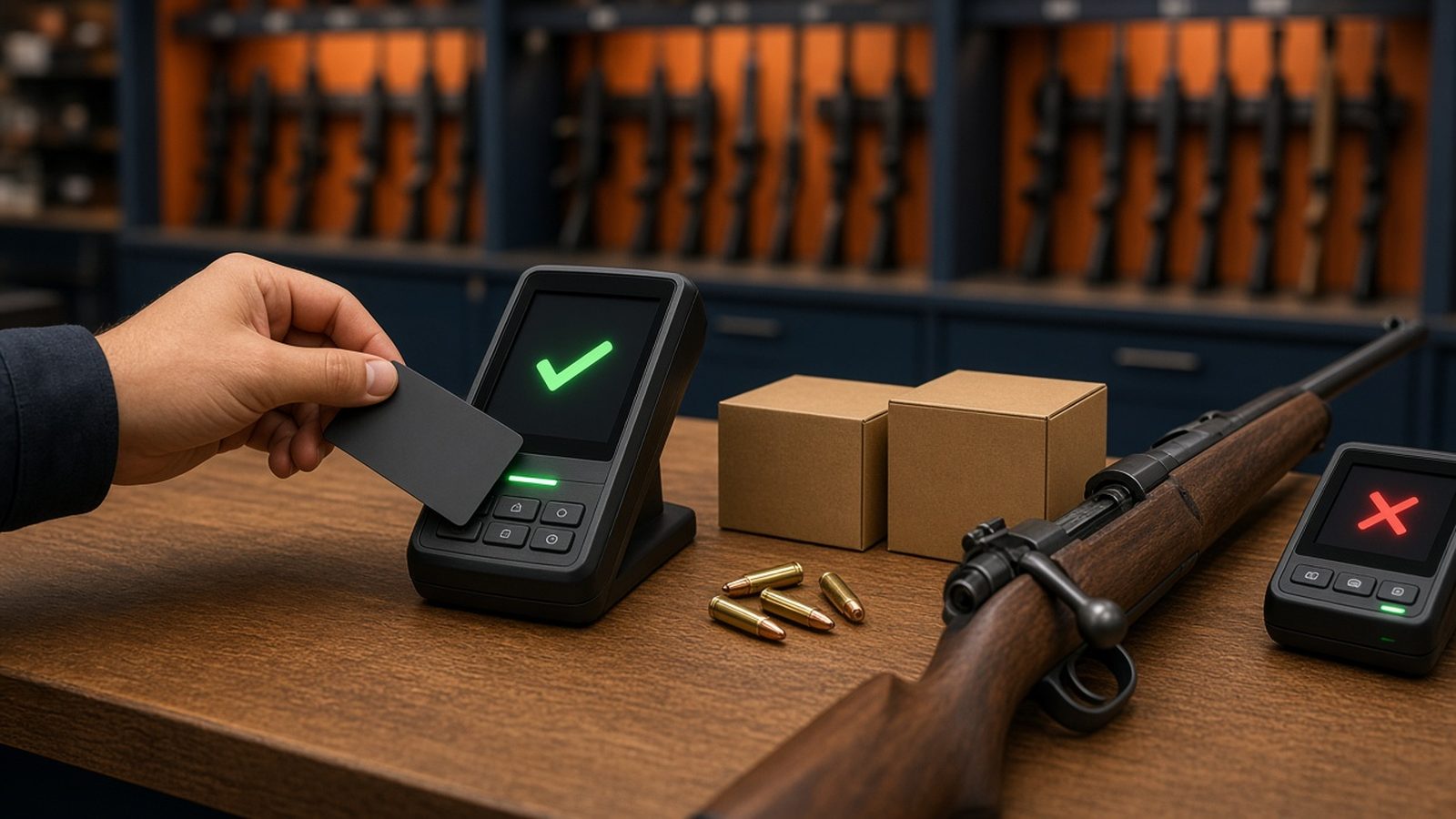
Which payment processors allow firearm and ammo sales online? Fewer than most new store owners expect. The big consumer names, PayPal and Square, bar firearms and ammunition outright. Stripe lists legal firearms as a restricted category that needs its sales team’s sign-off. WooPayments, the default card option many WooCommerce stores start with, prohibits firearms and ammunition. Most online gun and ammo stores end up with a merchant account from a processor that has agreed in writing to underwrite their business.
This is the fifth post in our getting-started series on selling firearms and ammo online. Earlier posts covered whether you need an FFL, how to get one, when you need an SOT, and whether to stock inventory, drop-ship, or only do transfers. This is general education, not legal or financial advice. Processor policies change, so read each provider’s current terms yourself before you apply.
Why the processor matters more than the platform
You can build a store on software that allows firearms and still be unable to take a card. Payment providers set their own lists of prohibited and restricted businesses, based on rules from card networks, sponsor banks, and their own risk teams. If you sell something on a provider’s prohibited list, the provider can freeze funds or close the account, often after you have already taken orders.
That is why the payment question belongs early in your plan, before you design the store or buy inventory. An approved merchant account is part of your launch checklist, the same as your license.
What the major providers say today
These are the providers new store owners ask about most. Each quote comes from the provider’s own published policy, read on November 10, 2026.
PayPal. PayPal’s Acceptable Use Policy (last updated November 4, 2026) says you may not use PayPal for activities that relate to transactions involving “ammunition, firearms, or certain firearm parts or accessories.” That covers both sides of most gun and ammo stores.
Square. Square’s Payment Terms list “sales of (i) firearms, firearm parts or hardware, and ammunition” among the activities you may not use its services for.
Stripe. Stripe’s restricted businesses page lists “Legal firearms and other weapons” as a restricted category with “Limited availability,” and tells businesses to contact its sales team. Restricted is not the same as approved. Expect a review of your business, and don’t assume a yes. The same page still prohibits illegal weapons and accessories.
WooPayments. WooCommerce’s own card product lists “Firearms and ammunition” among the prohibited and restricted products, and says it may restrict or shut down accounts that break the policy. WooPayments runs on Stripe’s infrastructure, but its list is separate, so a Stripe approval does not carry over. WordPress.com’s store guidelines also say it disallows WooPayments and other Jetpack-based extensions for firearms merchants, while it does not prohibit self-hosted WooCommerce for them.
Shopify Payments. If you sell ammunition on Shopify, read Shopify’s current payment terms and acceptable use policy before launch. Check the exact wording for your product categories rather than relying on a forum answer.
Accessories and parts are not automatically safe
A common mistake is assuming that only the firearms themselves are the problem. PayPal’s wording reaches “certain firearm parts or accessories,” and Square’s covers “firearm parts or hardware.” If your catalog includes parts, magazines, or ammunition, read the policy against each category you sell, not just your guns. When a policy is unclear, ask the provider in writing before you send a single transaction through it.
How firearm merchants usually get approved
Stores that sell firearms or ammo usually work with a merchant account provider or bank that accepts firearms businesses, then connect that account to their store through a payment gateway their platform supports. The gateway moves the card data. The merchant account is the part that is underwritten and approved for your business.
Expect the application to ask for things like:
- Your business formation documents and tax ID
- Your federal firearms license, and any state licenses you hold
- Bank account details and, often, recent bank or processing statements
- A description of what you sell, with your website and product categories
- Your shipping, refund, and age-verification policies as they appear on the site
Have your site’s policy pages and product catalog in decent shape before you apply. Underwriters look at the live site, and a half-built store with missing policies slows things down.
Questions to ask before you sign
Ask any processor these before you commit:
- Do you approve firearms, ammunition, or both, and does that include parts and accessories?
- Will you confirm approval for my specific product categories in writing?
- Which gateway connects your account to my platform (BigCommerce, WooCommerce, Adobe Commerce / Magento, or Shopify for ammo)?
- What reserves, holds, or volume limits apply to a new account?
- What happens if you change your policy on firearms later, and how much notice do I get?
- Can I run a test transaction end to end before I launch?
Get the answers in writing. Processor policies change, and the written approval is what you will point to if your account is ever reviewed.
A simple launch order
- Decide what you will sell: firearms, ammo, parts, or a mix.
- Read the current policies of any processor you are considering.
- Apply with a processor that accepts your categories, and get written approval.
- Connect the merchant account to your platform through a supported gateway.
- Run test orders, including a firearm order that ships to a dealer, before you open.
If you want hands-on help with steps 3 and 4, we partner with Blue Payment Agency, which helps firearms and ammunition merchants get payment processing set up, connected, and tested before launch. Read about the Blue Payment Agency partnership.
Where Automatic FFL fits
Automatic FFL does not process payments and does not affect a processor’s underwriting decision. It adds FFL dealer selection to your checkout on BigCommerce, WooCommerce, and Adobe Commerce / Magento (Shopify: ammunition only), so buyers of firearms pick a receiving dealer before they pay. Your approved payment gateway still handles the card. Next in this series, we will look at which ecommerce platforms can sell firearms and ammo. For now, see our post on what the checkout needs on BigCommerce, WooCommerce, and Magento.
Bottom line
PayPal and Square say no to firearms and ammo. Stripe treats legal firearms as restricted and needs sales-team review. WooPayments says no. Plan on a firearms-friendly merchant account, get approval for every category you sell in writing, and test the full checkout before launch.
Look up a transfer dealer for free. Create a free Automatic FFL account to search FFL dealers by license number, name, city, state, or ZIP, open each dealer’s ATF eZ Check record, and see which dealers have certificate data on file. The database is not legal advice and does not replace your own compliance review. → https://www.automaticffl.com/ffl-database/
Try Automatic FFL free for 30 days. Add FFL dealer selection to your BigCommerce, WooCommerce, or Adobe Commerce / Magento checkout (Shopify: ammunition only). Plans start at $99 per site per month after the trial; you’re not charged until the trial ends, and you can cancel before then. → https://www.automaticffl.com/pricing/