




Automatic FFL Adds Ammo-to-FFL Routing for DC and U.S. Territories
Automatic FFL expands ammo-to-FFL routing to DC and five U.S. territories so merchants can require dealer shipment for those destinations.
Giancarlo Byrne
11/05/2026
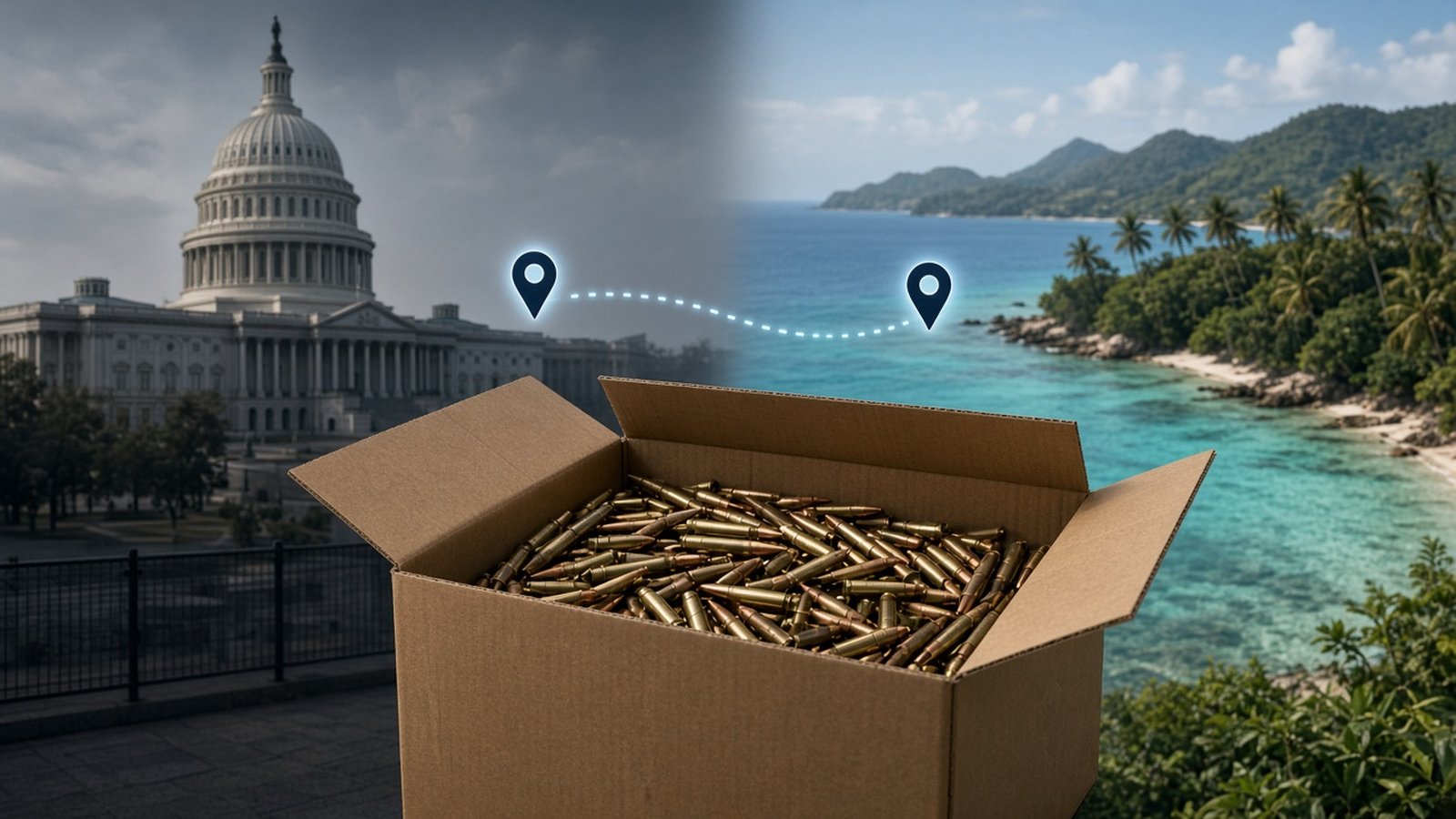
Automatic FFL already lets merchants choose destinations where ammunition orders must ship to a federally licensed firearms dealer rather than to the buyer’s address. That destination list now includes six more places: the District of Columbia, American Samoa, Guam, the Northern Mariana Islands, Puerto Rico, and the U.S. Virgin Islands.
If you already use Automatic FFL’s ammo setting for states, you can apply the same merchant-selected ammo-to-FFL policy to DC and these territories. Firearm baseline routing is unchanged. This is an ammo-routing expansion, not a new firearms feature.
What changed
On a destination-by-destination basis, Automatic FFL can require FFL shipment for ammo products. Public documentation puts it this way: you can require FFL shipments for ammo products on a state-by-state basis. Mark ammo, choose the destinations where ammo requires an FFL shipment, and dealer selection follows your configured rules when an order qualifies.
This update expands that destination list. The six new ammo-routing destinations are:
- District of Columbia
- American Samoa
- Guam
- Northern Mariana Islands
- Puerto Rico
- U.S. Virgin Islands
Supported in the setting means Automatic FFL can treat those destinations like other ammo FFL destinations you select. It does not, by itself, make a shipment lawful or prove a carrier will accept the package.
Why this matters at checkout
If your store already requires ammo orders for selected states to go through a dealer, the destination list now gives you the same configuration choice for DC and the five territories. You can include them in that policy instead of treating them as a separate configuration question.
With the expanded list, a buyer whose destination you have configured for ammo-to-FFL routing can select a licensed dealer in checkout, and the ammo order is routed there under your rules. That matches the documented behavior for other configured ammo destinations. The practical value is continuity: one ammo destination policy that can cover states, DC, and the territories you choose, including ammo-only carts when your rules say dealer selection is required.
How to set it up
From Automatic FFL’s ammo documentation:
- Enable the ammo add-on if your store needs it.
- In the Automatic FFL admin, open Ammo in the top nav.
- Check the destinations where you want ammo to require an FFL shipment. Changes auto-save.
- Classify your ammo products or categories so Automatic FFL knows which items follow those rules.
The six destinations above appear as options in that destination list. Turn on only the destinations that match your store policy.
Availability
As of November 5, 2026, this ammo-routing expansion is live on BigCommerce, WooCommerce, and Shopify (Automatic FFL’s ammunition app). The Magento / Adobe Commerce rollout for these destinations is pending, with no date announced. Shopify remains an ammo checkout solution, not a firearm-order checkout solution.
Merchant policy is not the same as the law
Treat this setting as merchant policy, not as a substitute for destination law or shipping feasibility.
For DC, D.C. Code §7-2506.01 limits who may possess ammunition in the District. That is possession eligibility. It does not say every online ammo order into DC must ship through an FFL. Choosing FFL routing for DC remains a business decision.
For American Samoa, Guam, the Northern Mariana Islands, Puerto Rico, and the U.S. Virgin Islands, treat the update as product support for ammo routing. Do not assume each territory legally requires dealer delivery.
Enabling FFL routing for any of these destinations also does not prove the buyer is eligible, that a dealer will accept the ammo, that import or customs steps are clear, or that a carrier will accept the shipment. Confirm eligibility and shipping with current authorities and carriers for the destinations you serve.
Try it on your store
If you already sell ammo with Automatic FFL on BigCommerce, WooCommerce, or Shopify, open the Ammo tab and review the destination list for DC and the five territories. If you are evaluating Automatic FFL, you can start a 30-day free trial. You are not charged until the trial ends, and you can cancel before then.
For questions about Magento timing or your store’s configuration, contact Automatic FFL, service@automaticffl.com, or 469-207-1149.
This article is general product information, not legal advice.